Unstill by Byflare
Your Lock Screen can move
Most apps that promise a moving wallpaper hand you one that barely does. Unstill is built around the reason why and fixes it.
Download on the App StoreWhy most of them barely move
When iOS plays a Live Photo on the Lock Screen it does not play your video. It plays a fraction of a second taken from just before the still frame, stretched out over about a second and a half.
Convert a video the ordinary way and that fraction lands on whatever happened to be there: a pause, a held pose, nothing at all. You get a photo that twitches.
Unstill paces real movement into exactly that window. The wave breaks, the sparkler turns, and the face looks up when you raise your phone.
Three steps
Pick a video
Anything in your library, or send one over from Photos. 4K and HDR are fine.
Choose the moment
Slide to the frame it should come to rest on, and frame the picture with a pinch.
Set it
Unstill saves a real Live Photo. Open Photos, tap Share, tap Use as Wallpaper.
Real movement
iOS plays only a moment before the still frame. Unstill paces real motion into exactly that moment, so the wallpaper moves instead of twitching.
You pick the moment
Slide the filmstrip to the frame the motion comes to rest on. Pinch down to a single frame.
See it before you set it
A real Lock Screen preview, at the right size and shape, with the clock where the clock goes.
Nothing leaves your phone
No uploads, account or tracking. Conversion stays on your iPhone. Unstill only asks to add to your photo library.
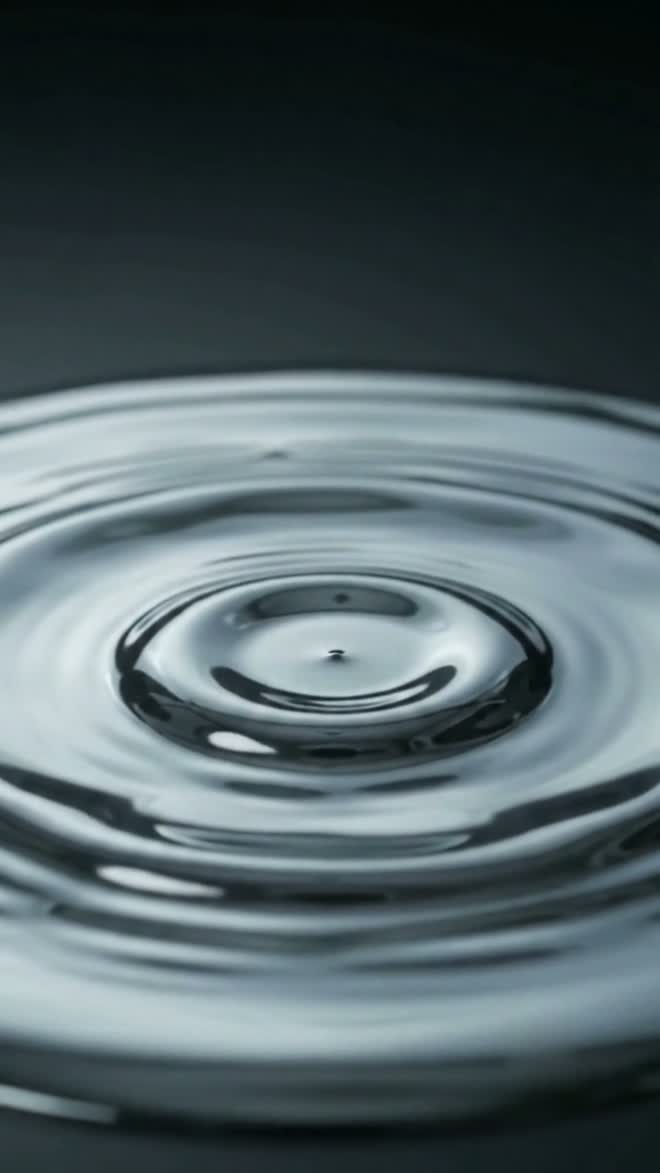
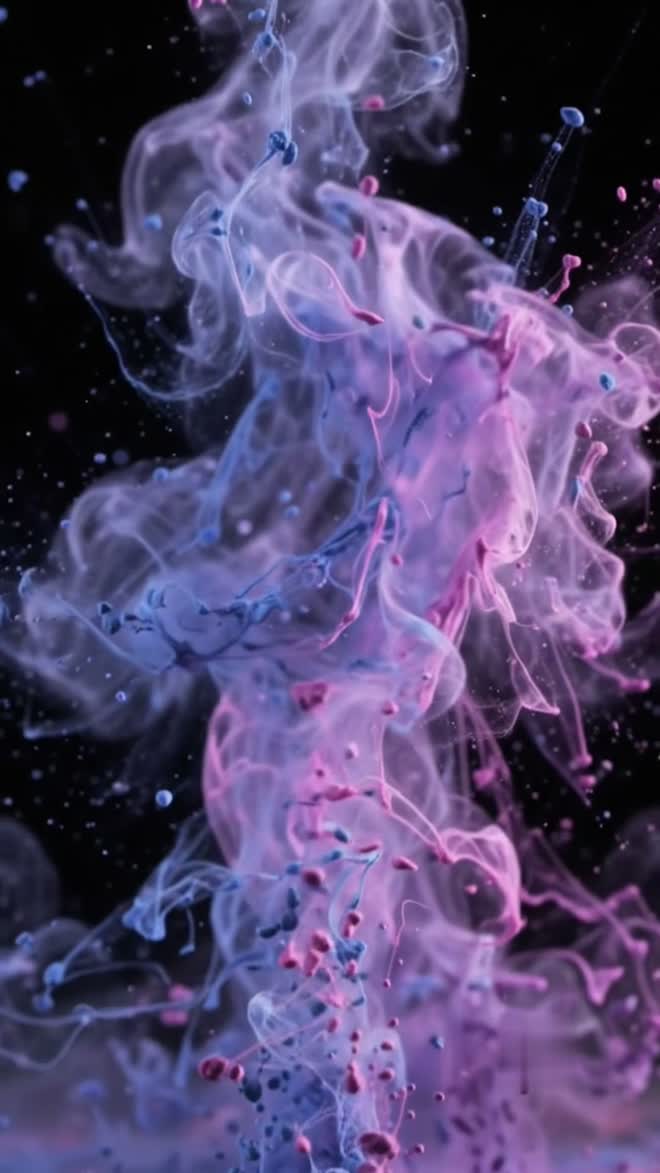
Each of these is the frame a wallpaper comes to rest on.